Quick Start: MCP Elicitations
In this quick start, we'll demonstrate fast-agent's MCP Elicitation features.
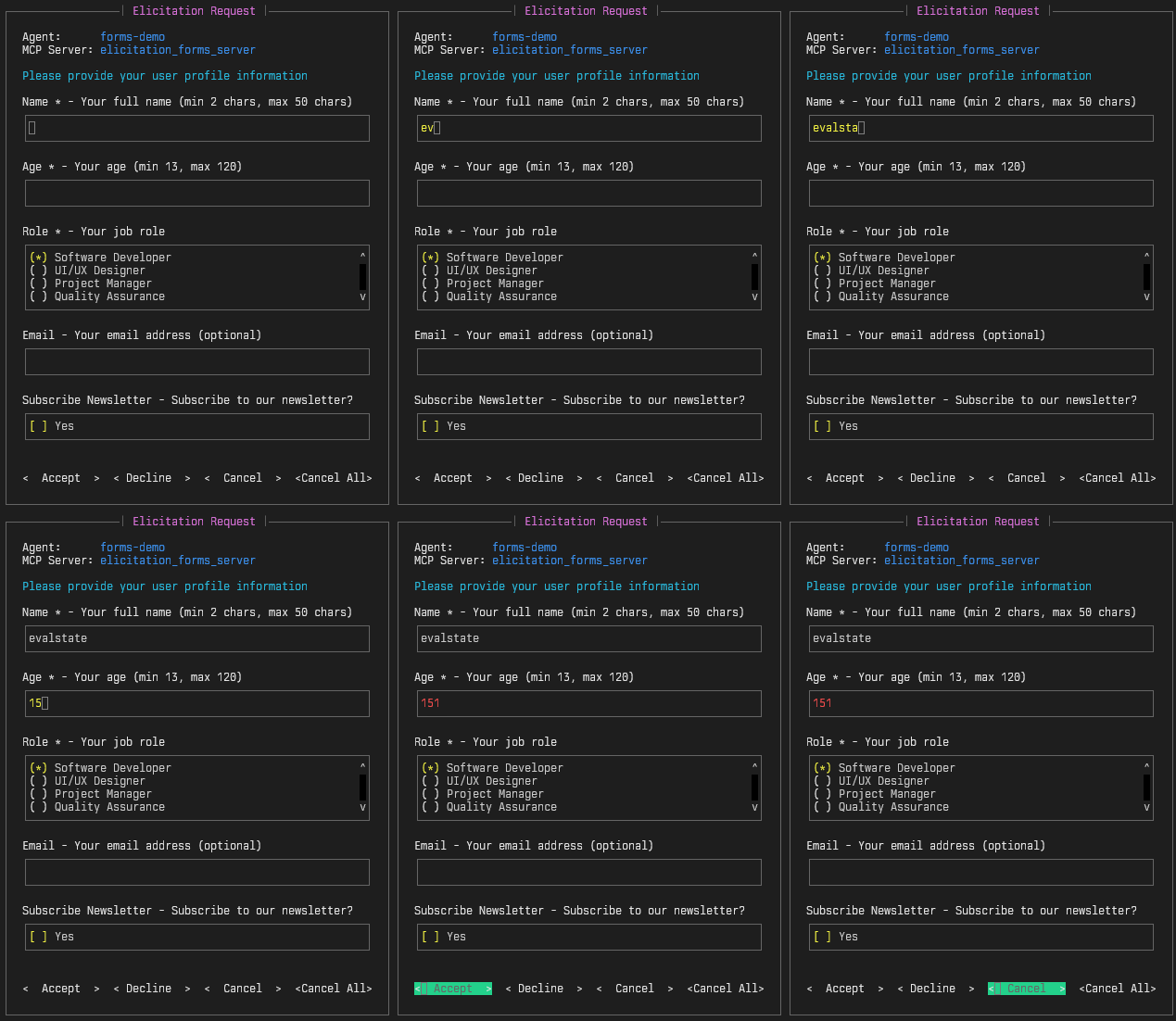
Elicitations allow MCP Servers to request additional input directly from Users.
This demo comprises four MCP servers and four fast-agent programs:
- An interactive demonstration showing all types of Forms, Fields and Validation in the specification.
- A demonstration of an Elicitation made during a Tool Call.
- An example of using a custom Elicitation handler.
- A URL elicitation example for out-of-band authorization, credential, and payment flows.
This quick start provides you with a complete MCP Client and Server solution for developing and deploying Elicitations.
Setup fast-agent
Make sure you have the uv package manager installed, and open a terminal window. Then:
# create, and change to a new directory
mkdir fast-agent && cd fast-agent

# create and activate a python environment
uv venv
source .venv/bin/activate

# setup fast-agent
uv pip install fast-agent-mcp

# setup the elicitations demo
fast-agent quickstart elicitations

# go to the demo folder
cd elicitations
You are now ready to start the demos.
Elicitation Requests and Forms
The Interactive Forms demo showcases all of the Elicitation data types and validations. Start the interactive form demo with:
This demonstration displays 4 different elicitation forms in sequence.
Note that the forms:
- Can be navigated with the
Tabor Arrow Keys (→\←) - Have real time Validation
- Can be Cancelled with the Escape key
- Uses multiline text input for long fields
- Identify the Agent and MCP Server that produced the request.
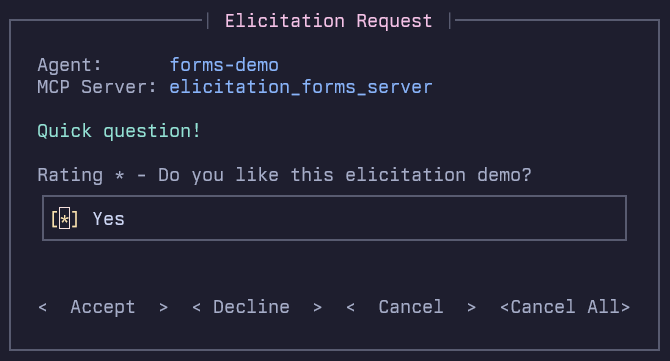
The Cancel All option cancels the Elicitation Request, and automatically cancels future requests to avoid unwanted interruptions from badly behaving Servers.
For MCP Server developers, the form is fast and easy to navigate, which facilitates iterative development.
The elicitation_forms_server.py file includes examples of all field types and validations: Numbers, Booleans, Enums and Strings.
It also supports the formats specified in the schema: Email, Uri, Date and Date/Time.
Tool Call
The Tool Call demo demonstrates an Elicitation being conducted during an MCP Tool Call. This also showcases a couple of fast-agent features:
- The
passthroughmodel supports testing without an LLM. You can read more about Internal Models here. - Calling a tool by sending a
***CALL_TOOLmessage, that enables an Agent to directly call an MCP Server Tool with specific arguments.
Run uv run tool_call.py to run the Agent and see the elicitation. You can use a real LLM with the --model switch.
Custom Handler
This example shows how to write and integrate a custom Elicitation handler. For this example, the agent uses a custom handler to generate a character for a game. To run:

This agent uses a custom elicitation handler to generate a character for a game. The custom handler is in game_character_handler.py and is set up with the following code:
| game_character.py | |
|---|---|
For MCP Server Developers, Custom Handlers can be used to help complete automated test flows. For Production use, Custom Handlers can be used to send notifications or request input via remote platforms such as web forms.
URL Elicitation
URL elicitation directs the user to an external page without sending sensitive credentials or payment details through the MCP client or LLM context. Run:
The example covers OAuth-like authorization, secure API-key entry, payment, and
protected-resource flows. Its example.com URLs are illustrative placeholders;
replace them with endpoints that track elicitation_id and verify completion
out of band.
Configuration
Elicitations are enabled with the forms handler by default. Configure global
and per-server behavior in
fast-agent.yaml.
You can configure the Elicitation mode to forms (the default), auto-cancel, or none.
mcp:
  servers:
    elicitation_forms_server:
      target: "uv run elicitation_forms_server.py"
      elicitation:
        mode: "forms"
In auto-cancel mode, fast-agent advertises the Elicitation capability, and automatically cancels Elicitation requests from the MCP Server.
When set to none, the Elicitation capability is not advertised to the MCP Server.